How to Create a D-link Page
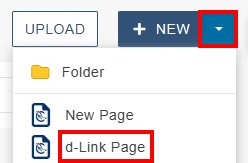
- To create a d-link page, click the +New button then click "d-Link Page"
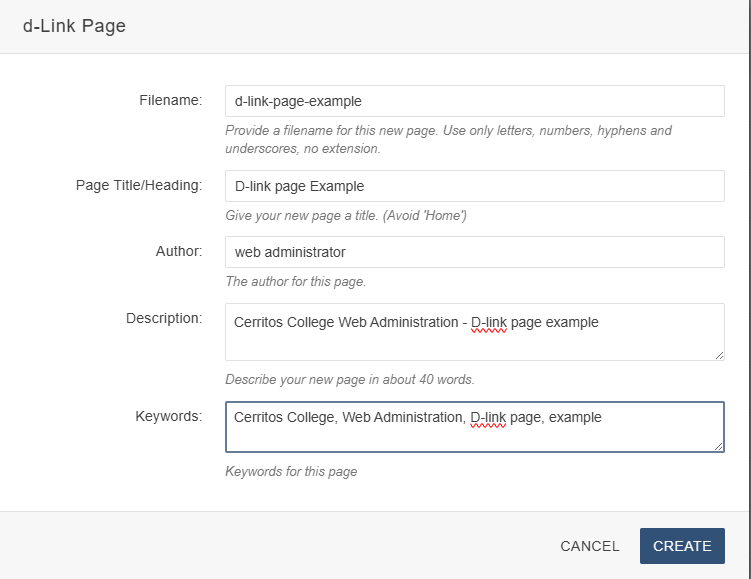
- Fill out page details then click the "Create" button:
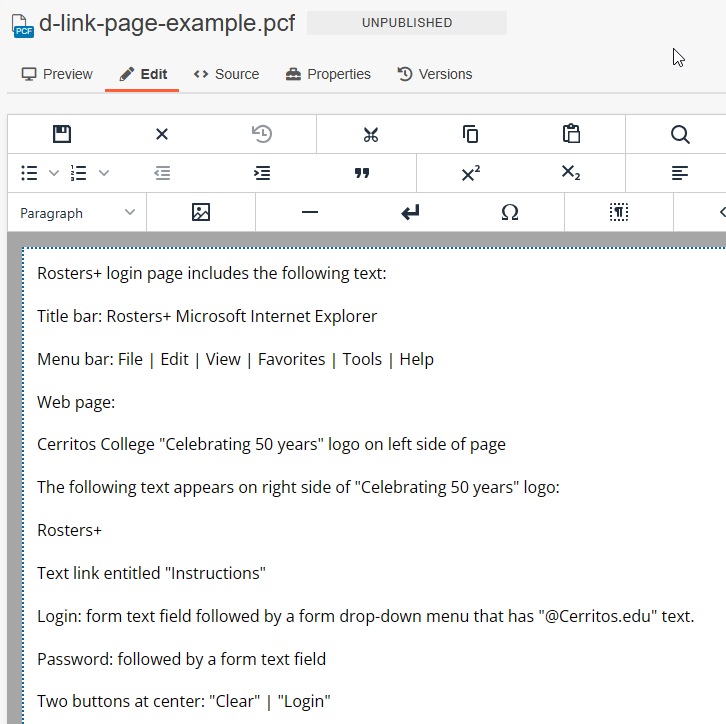
- The d-link page will be created with default text. Replace the default text with the
text that is on the image.
- Save and submit/publish the file.
- Return the the page that contains the image that requires a d-link page. Type the
letter "d" next to the image and link the letter "d" to the d-link page.
- Save and submit/publish the updated file.