FAQ - NotebookLM
NotebookLM
Cerritos College employees and students can use their campus accounts to Google's NotebookLM. Google NotebookLM is a powerful note-taking and knowledge management tool. It goes beyond just capturing notes; it helps in organizing and connecting information in a meaningful way. With its advanced search capabilities and intuitive interface, Google NotebookLM makes it easier to find and utilize the information we need, when we need it.
Below are instructions for how to log in to NotebookLM using your Cerritos Credentials.
- Go to https://notebooklm.google/ and click "Try NotebookLM"
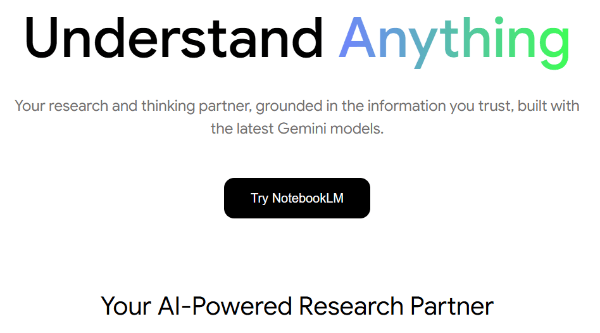
- If you are a student, enter your Cerritos student email address. This email address should end in @student.cerritos.edu.
If you are an employee, enter your Cerritos Google Workspace account. This account should be your username with @cloud.cerritos.edu at the end. (For example JSMITH@cerritos.edu would be JSMITH@cloud.cerritos.edu.)
You will be redirected to our Cerritos portal. Sign in with your normal credentials. Your browser will return to NotebookLM once you are signed in.