COMPUTER LAB FREQUENTLY ASKED QUESTIONS
Username: Cerritos College Student ID number
Password: Same password as your MyCerritos portal password
- On your device, navigate to the wifi settings area.
- Choose Cerritos Student
- A sign-on page will pop up and ask for your credentials:
Username: Cerritos College Student ID number
Password: Same password as your MyCerritos portal password
You can use our Student ID Lookup Tool to find your Cerritos College ID number.
You can follow this guide to reset your password.
You can follow this guide to unlock your account.
You can follow this guide to use the printers in the library.
- Login to the Cerritos Portal with your MyCerritos credentials (Student ID and password).
- Click on the Office 365 tile.
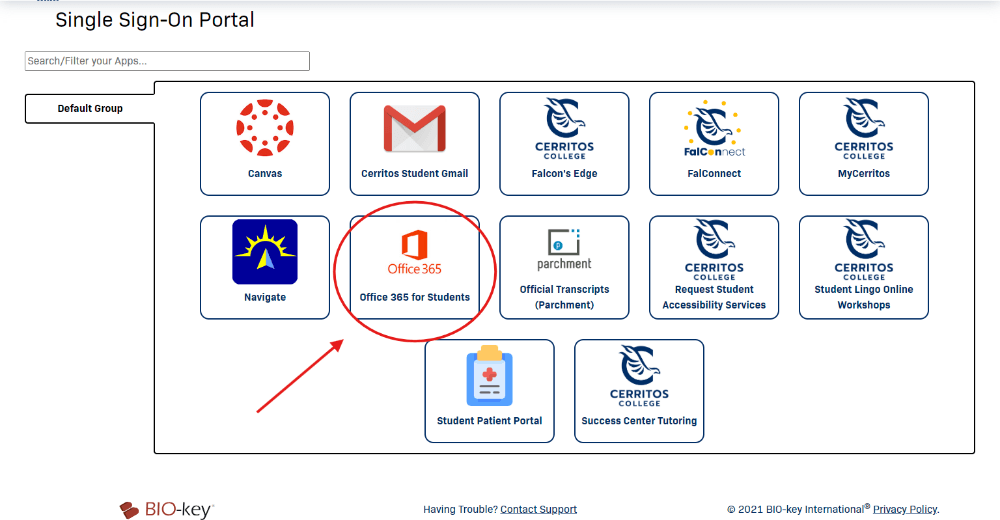
For downloading Office 365 on iOS please use this guide.