Printing and Scanning
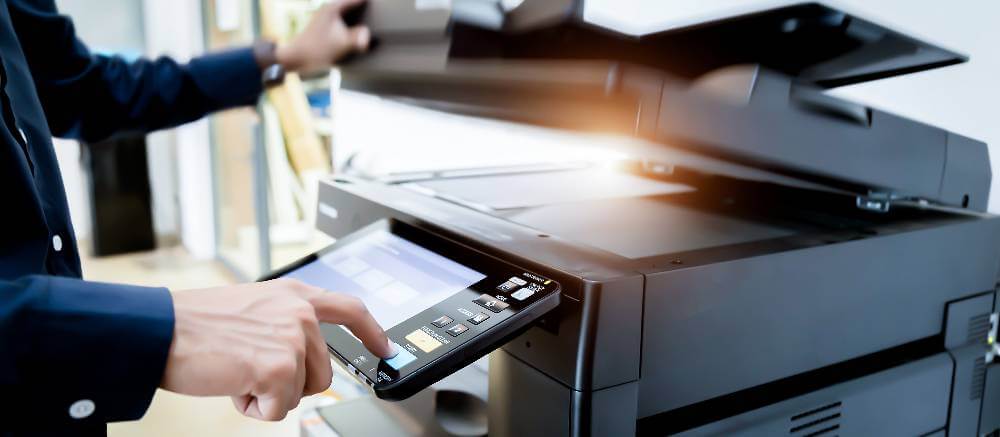
Printing and scanning can be done in the library from either the CAI Computer Lab or the Reference Area.
You will need to log in to one of the computers in these spaces and send your print to the printer labeled "Pay Print".
Printers are located in study room LC55 within CAI Computer Lab, outside of classroom LC62, or in the reference area.
To be able to release your print job from the printer, you will need to load your account with funds via the terminal across the circulation desk, then log in to the printer with your Student ID and password to release the print job.
Scanning is free, but requires a USB thumb drive to save your scanned files.
*Wi-Fi printing is currently unavailable