Course Syllabus Library
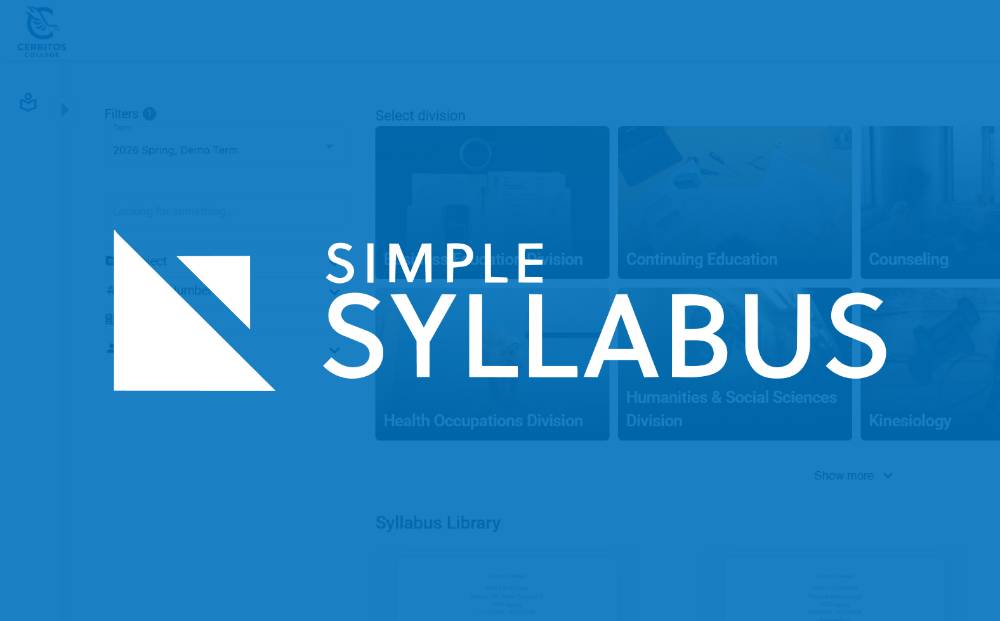
Access your course syllabi quickly and easily
At Cerritos College, we believe that your syllabus is more than just a document, it’s your roadmap to success. To make things easier for you, we use Simple Syllabus, a centralized system that ensures all your course information is organized, up-to-date, and easy to find.
Where to Find Your Syllabus
Inside Your Canvas Classroom (Most Common)
For the most detailed and current version of your syllabus, including specific assignment dates, grading breakdowns, and instructor contact info, simply use the Canvas portal.
- Log in to Canvas.
- Open your specific course site.
- Click the Simple Syllabus link in the left-hand navigation menu. You can view, search, and even print your syllabus directly from this page.
The Public Syllabus Library
Looking for a syllabus before the semester starts? Some instructors make their course syllabi publicly available to help you plan your schedule and see required textbooks early. Use the link below for access.
Note: If you don't see your specific course listed in the library, don't worry! It will be available inside your Canvas site once the term begins.
Learn More About Simple Syllabus
Curious about how Simple Syllabus works? Our Center for Teaching Excellence (CTX) website offers helpful videos, tutorials, and guides for students and faculty.